
Annotate & redact
Redact Sensitive Content
Black out, mosaic, or delete sensitive text and images with Web Snapper — redacted text is truly removed, so nothing leaks in your export.
Before you share a screenshot or PDF, you often need to take something out — a name, an email address, an account number, a face in an image. Web Snapper lets you redact that content right on the page, so the copy you hand over is safe to share.
Redact content on the page
Work directly on the page, then capture or export once everything sensitive is handled:
- Open the page you want to capture.
- Start Web Snapper and switch to the on-page editor.
- Select the text, image, or element you want to redact.
- Choose how to redact it, then capture or export.
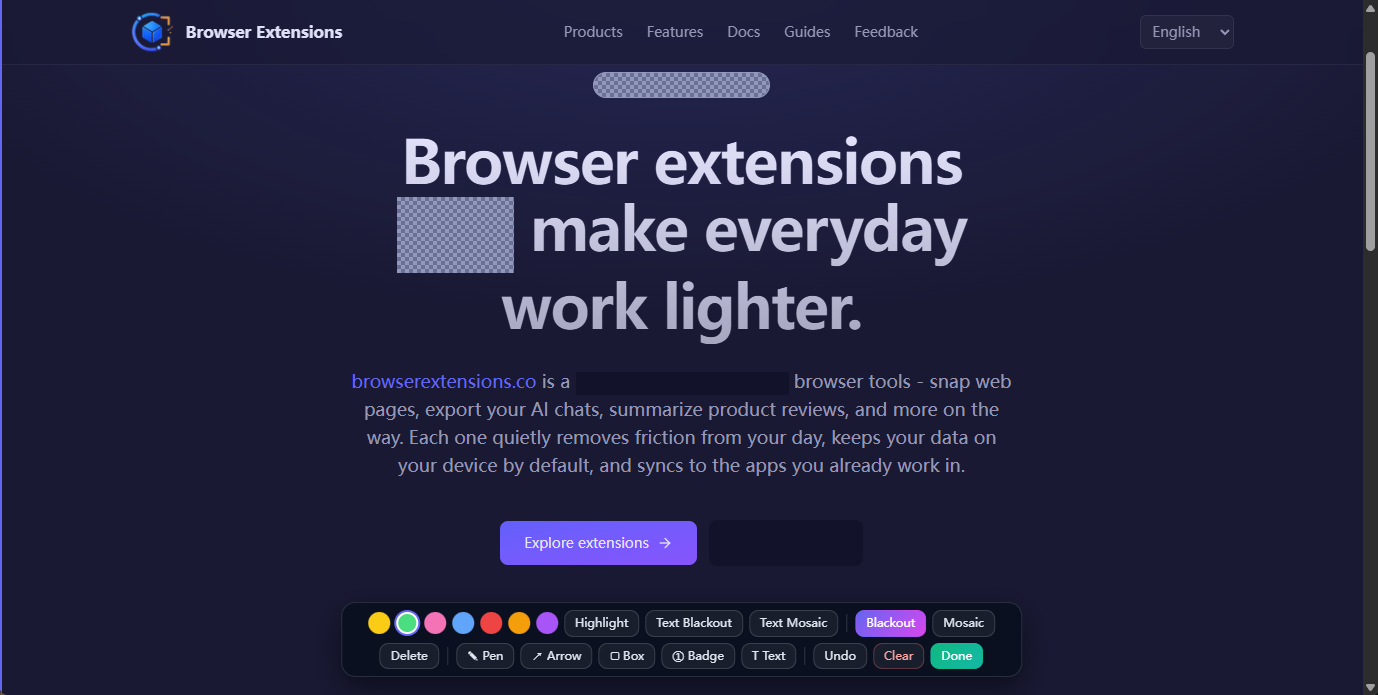
Ways to redact
Pick the approach that fits the content:
- Black out — cover text or an image with a solid block.
- Mosaic — pixelate an area when you want to show that something was there without revealing it.
- Delete — remove an element from the page entirely, so it doesn't appear at all.
Redacted text is truly removed
This is the part that matters most. When you redact text, Web Snapper removes it from the page's DOM — it isn't just hidden behind a blur or a black rectangle layered on top. That distinction is easy to overlook and easy to get burned by: a blur or overlay can still carry the original text underneath, where it can leak in the exported file or be recovered later.
With Web Snapper, the sensitive content is gone before the page is ever captured. There's nothing left underneath to expose.
Redactions apply everywhere
Your redactions are baked into every export, the same as the rest of your markup. Whether you save the page as a screenshot (PNG), a searchable PDF, a single-file HTML snapshot, or Markdown, the redacted content is absent from all of them.
That makes Web Snapper a safe way to share a page publicly, attach a screenshot to a ticket, or send a PDF to a client without exposing private data.
Related
- Want to call attention to content instead of hiding it? See Annotate Pages.
- Everything runs locally on your device — see the privacy policy.
- Explore more on the Web Snapper product page.